Mac
Dicteer for Mac
Hold a key, speak, and the text lands where your cursor is.
Download for Mac
Requires macOS 26 or later.
Get started
- Download and install
Open the dmg and drag Dicteer to Applications.
- Allow access
Microphone and accessibility: the app asks for them itself.
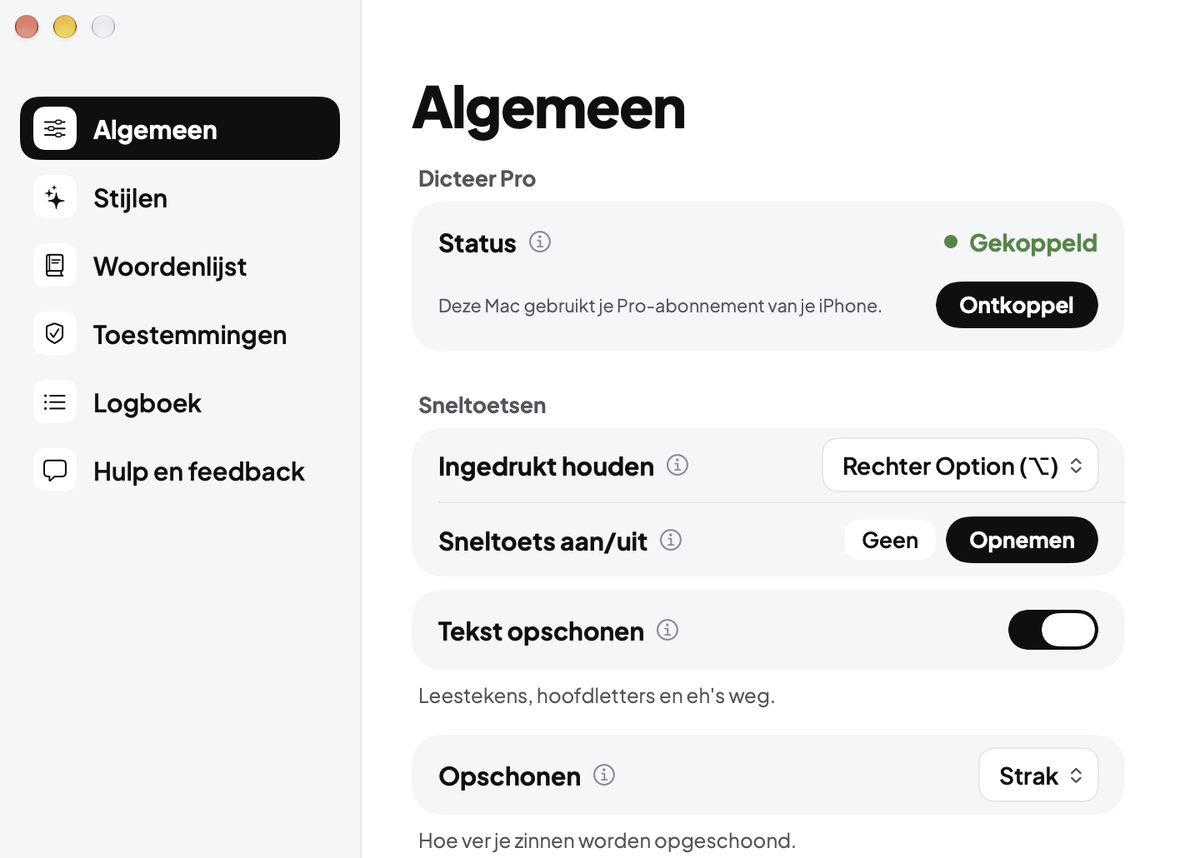
- Link with your iPhone
Have Dicteer Pro? Enter the code from Settings > Dicteer on your iPhone on your Mac.